
Features
The full list.
The homepage is the argument. This page is the capability reference — every outcome, with the icon the app already uses for it.
-
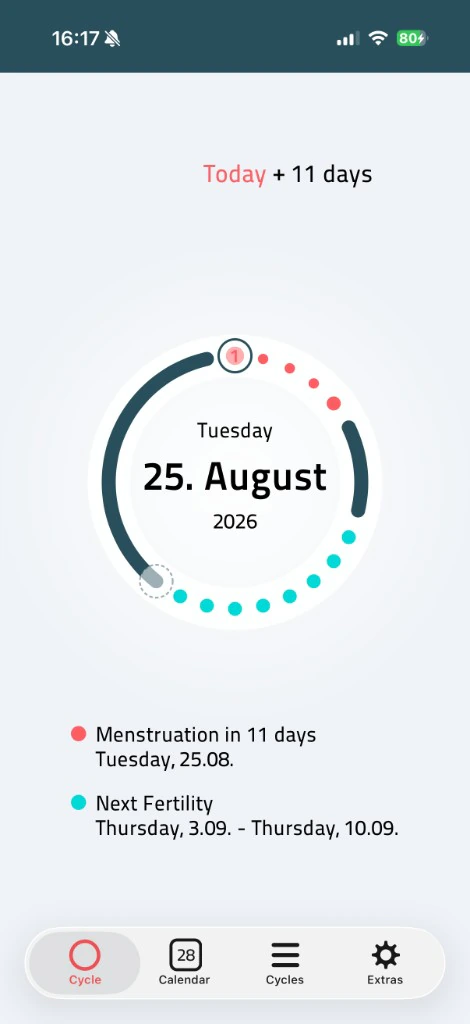
01 Circle -
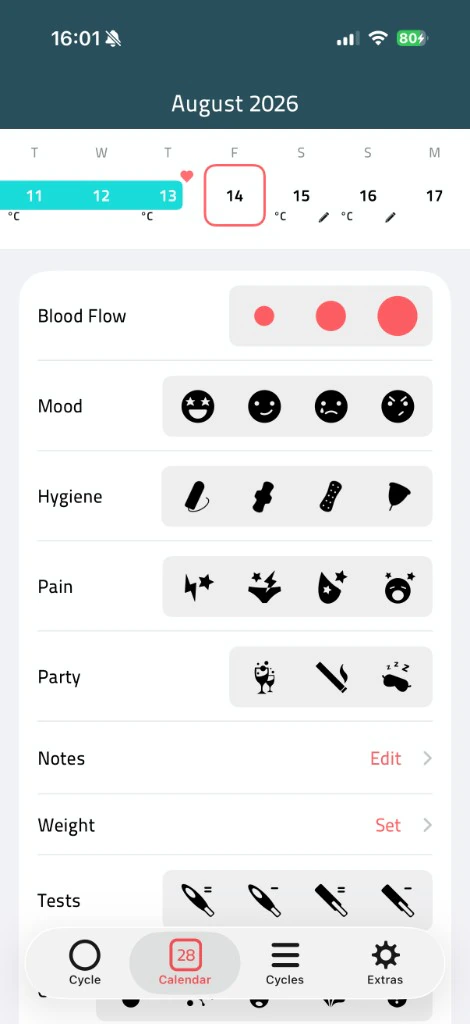
02 Calendar -
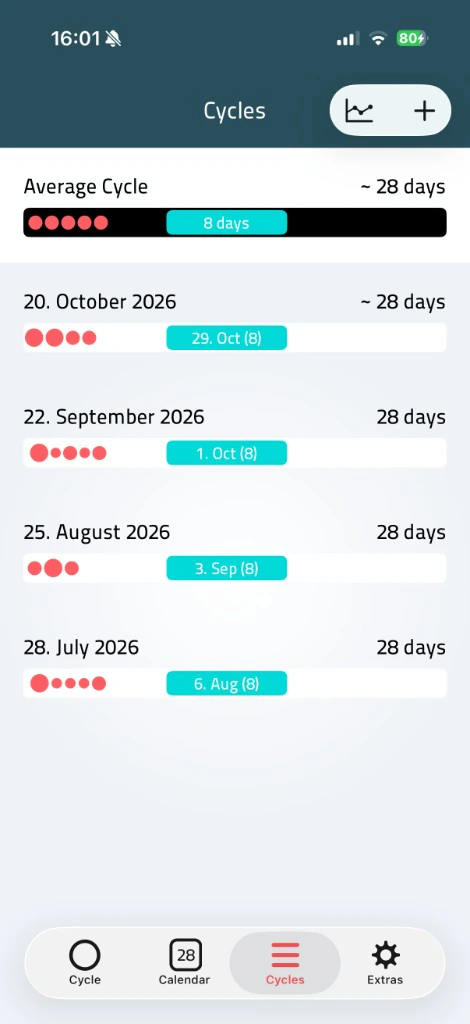
03 Cycles -
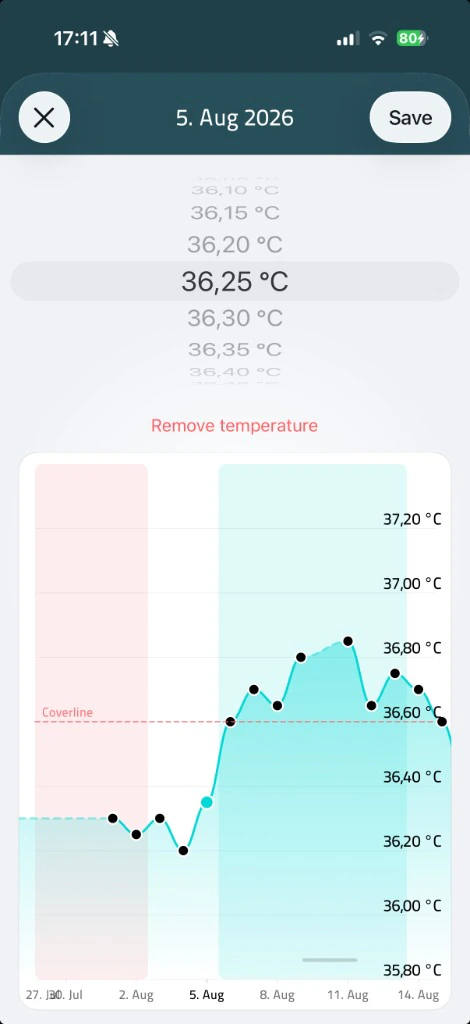
04 Temperature -
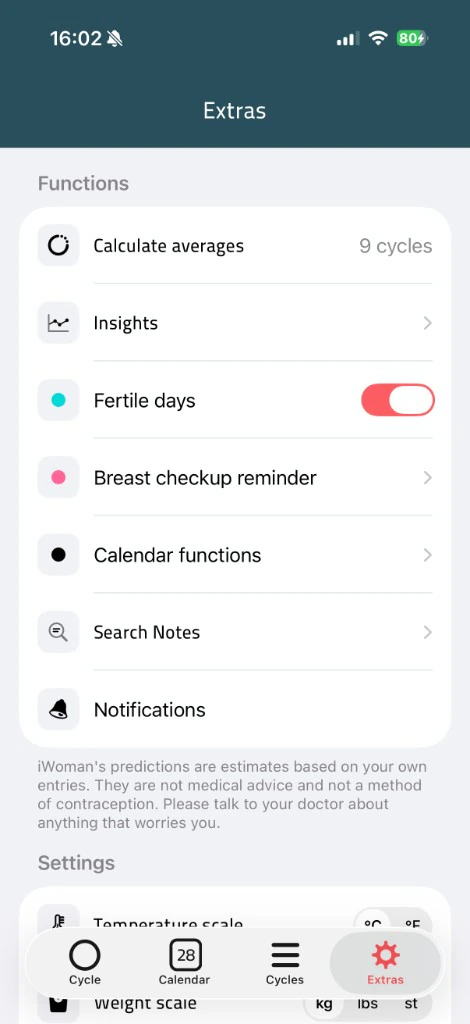
05 Extras -
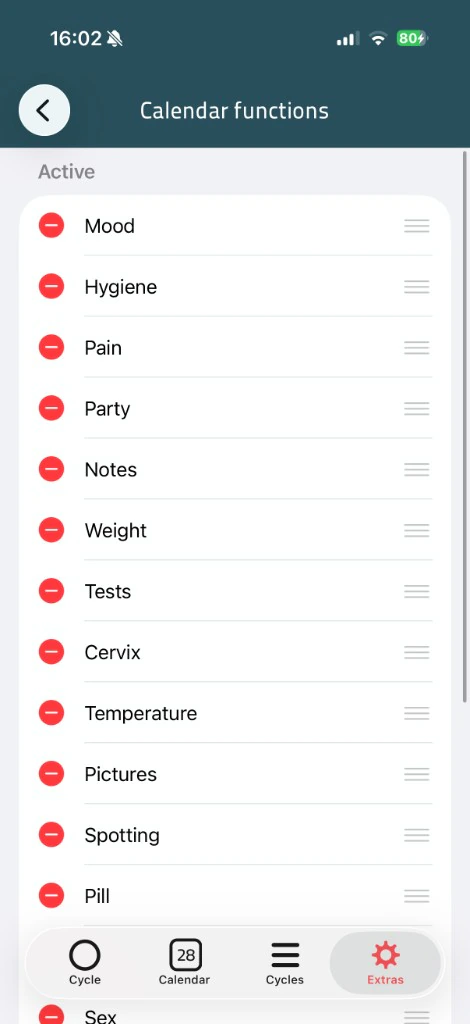
06 Customisation -
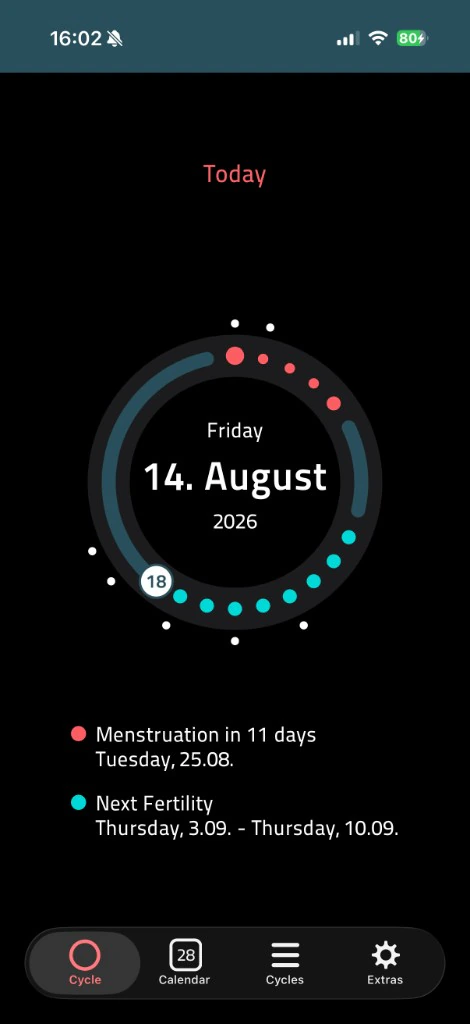
07 Dark mode -
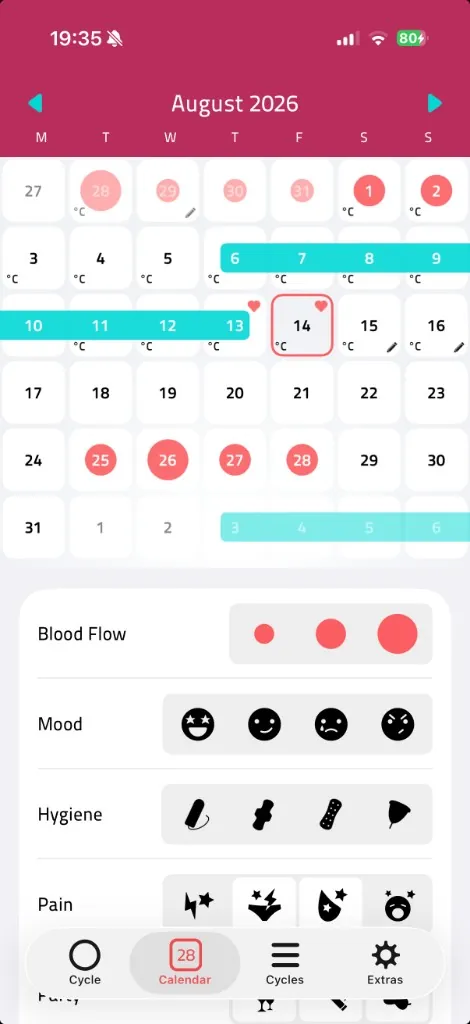
08 Colours
01 · Circle
-
01
Log a period in one tap
The circle and the calendar both accept a period as an open interval. You mark the first day, and you close it when the flow ends. Intensity is optional. There is no account to create first, and no daily streak the app will nag you about if you skip a month.
-
02
Know where you are
A lot of people use iWoman next to medication that has to be taken on a particular cycle day. The number in the middle of the ring is that day. Dragging around the ring walks the prediction forward and back; tapping Today returns you.
-
03
Predictions that adjust
The same Knaus–Ogino window the homepage ring runs, with a recency-weighted average of your own cycle lengths. Implausibly long gaps are excluded so a missed year does not pull the average to 90 days. You choose how many past cycles the average looks at.
-
04
Basal temperature
Enter in °C or °F. The graph is a line of the values you typed, not a generated illustration. Days without a reading are left as a gap, so the picture does not pretend to be more complete than the record.
-
05
Insights, computed on your device
Insights reads the same on-device database the rest of the app writes to. Nothing is uploaded to be “analysed in the cloud”. If a chart is empty, it is because you have not logged that category yet, not because a server is still processing.
-
06
Track only what you want
Flow, spotting, PMS, mood, energy, pain, cervix mucus, basal temperature, intercourse and protection, hygiene, pills, ovulation and pregnancy tests, weight, sleep, sport, notes, photos, hot flashes and your own custom tags. Each one can be turned off in Extras and then disappears from the day view. The app does not unlock categories behind a paywall; they are all there, and they are all optional.
-
07
Locked
The lock is the one already on your phone. iWoman does not keep a separate PIN we could reset for you. If the device has no biometrics and no passcode, the toggle will not turn on — there would be nothing to authenticate against.
-
08
A widget that doesn’t out you
The detailed widget shows cycle day and a period or fertile mark. Discreet mode, the default, shows only a neutral mark: no cycle day, no dates, nothing for anyone looking at your Lock Screen. That is a safety feature, not a cosmetic one.
-
09
Whatever stage you’re in
Life-stage mode changes what the circle and the predictions emphasise. Pregnancy and postpartum stop treating a missing period as a late cycle. Perimenopause keeps the record without insisting on a regular 28-day shape the body no longer has.
-
10
Your data, portable
A full-history export can be encrypted with a password we do not have and cannot recover. PDF and CSV reports cover a range you choose, for a clinician who asked for a printout. Apple Health sync is optional and off by default. When you turn it on, iWoman writes period, spotting, temperature, weight, sleep, cervical mucus, ovulation and pregnancy tests, and sexual activity into Health on your device, and can fill unlogged days from period, spotting, temperature, weight and sleep already in Health. See Export your data for the steps.
Predictions are estimates. They are not medical advice and not a method of contraception. Questions about a specific screen are on Help.